iPad Professional Setups for a Clean Pro Look

iPad professional setups don’t start with apps—they start with placement, power, and stability. When your iPad is always at the right height, always charged, and never surrounded by cable clutter, it stops feeling like a “tablet on a table” and starts feeling like a real tool: a desk workstation, a wall dashboard, or a clean counter display.
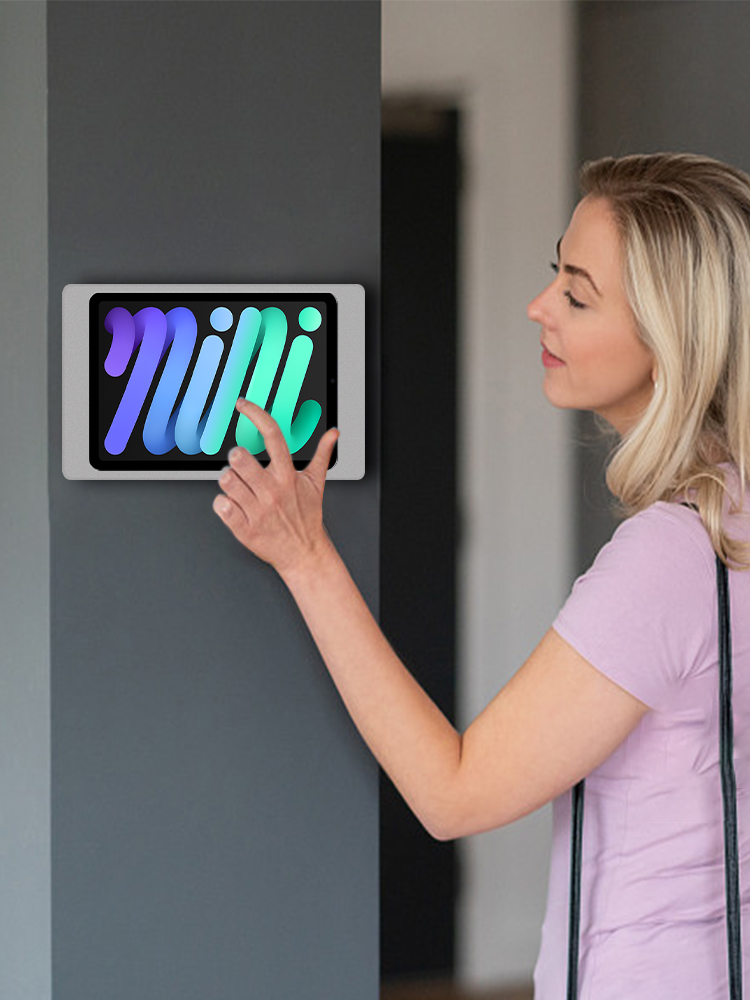
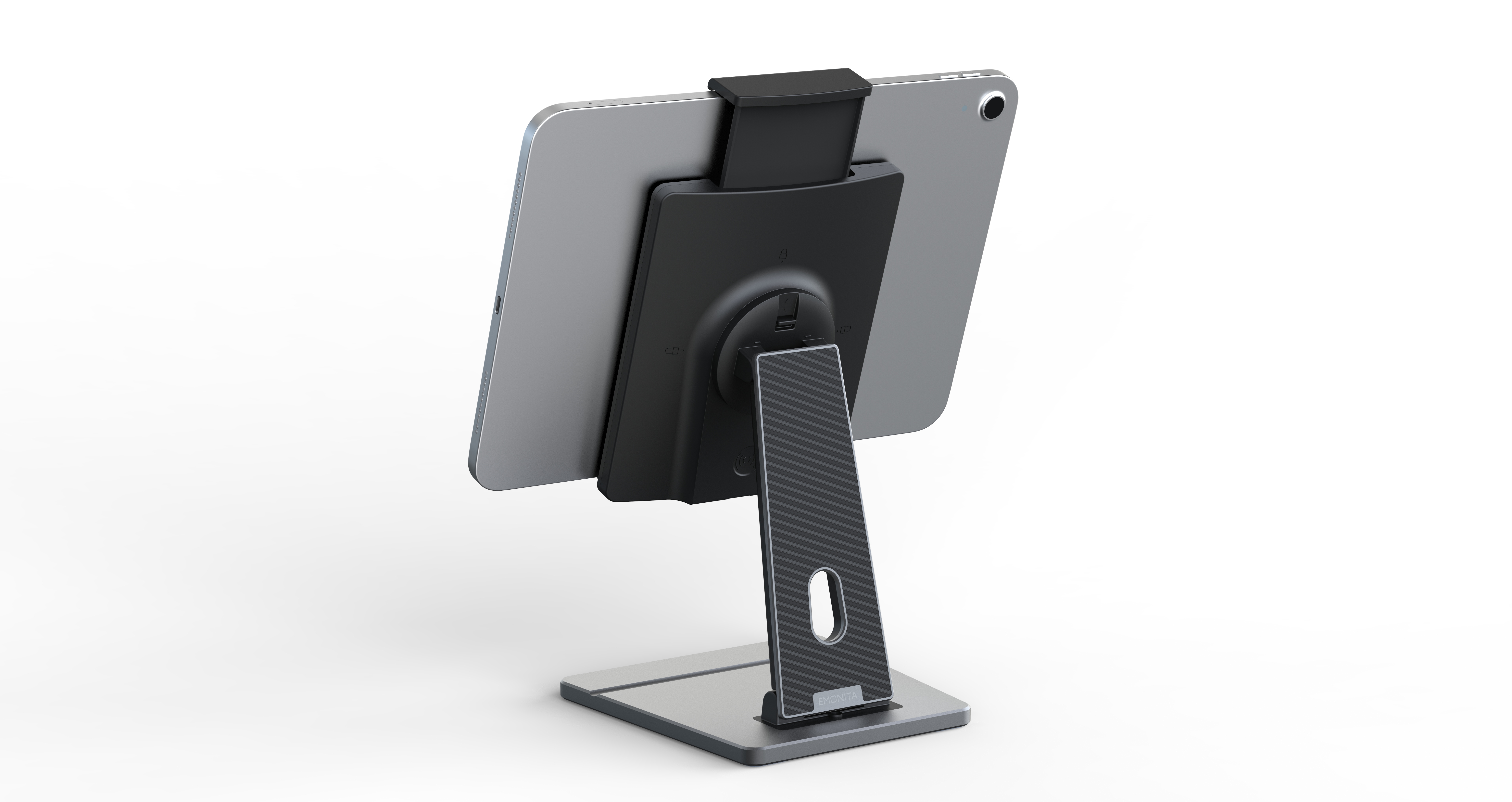
In this post, you’ll see three practical iPad professional setups built around EMONITA products you already use on your site: SnapStand, a magnetic wall mount, and a magnetic table stand. The goal is simple: one iPad, three roles, one clean look
Why iPad professional setups look “pro”
Most iPad setups fail for predictable reasons:
- the screen sits too low → neck strain
- charging is inconvenient → low battery at the wrong time
- cables remain visible → the space looks unfinished
- the stand wobbles → tapping and drawing feel cheap
Strong iPad professional setups solve these issues in a repeatable way: consistent docking, hidden power, and stable positioning.
If you’re building around a wall or model‑specific case, confirm your iPad model first (external link):
https://support.apple.com/en-us/HT201471
Desk workflow with SnapStand (stable + ergonomic)
For many people, the “pro look” starts at the desk. SnapStand is designed for daily desk use where you dock and remove the iPad repeatedly.
What makes this desk workflow feel professional:
- hands‑free docking with auto‑clamping behavior
- dual‑hinge adjustment to lift the screen and reduce neck strain
- stable base so tapping, typing, and Apple Pencil work don’t shake the view
- foldable design when you move between workspaces
If you want to browse SnapStand and related accessories, the easiest internal starting point is:
https://www.emonita.net/products/
This is one of the cleanest iPad professional setups for work because the iPad behaves like a small monitor: stable, adjustable, and ready.
Wall workflow with an EMONITA magnetic wall mount (always‑on + cable‑free)
When you want a built‑in look, a wall mount is hard to beat. A PoE iPad wall mount or DC wall mount setup is especially useful in offices, hotels, retail, and smart homes where you want clean wiring and reliable power.
This wall workflow is designed around a model‑specific charging case and magnetic docking:
- dock magnetically in seconds
- keep wiring inside the wall/junction box area
- rotate between portrait and landscape (depending on model)
- undock quickly when you need handheld use
A product example from your EMONITA lineup (internal link):
https://www.emonita.net/product/emonita-poe-dc-magnetic-ipad-wall-mount/
If you’re planning a PoE deployment, here’s an external reference explaining PoE basics:
https://ethernetalliance.org/technology/power-over-ethernet/
This is one of the strongest iPad professional setups for dashboards, room scheduling, menus, and check‑in points because it keeps the wall clean and the iPad powered.
Counter workflow with a magnetic iPad stand with charging (dock + rotate + go)
For reception counters, retail stations, kitchen counters, and desk‑to‑counter movement, a magnetic iPad stand with charging gives a clean look without wall installation.
This workflow focuses on:
- quick magnetic docking and undocking
- hidden charging through a rear USB‑C path
- stable base for tapping and customer interaction
- easy rotation and tilt for portrait/landscape viewing
A product example from your EMONITA lineup (internal link):
https://www.emonita.net/product/magnetic-ipad-stand-18w/
This setup is popular because it keeps the “front view” tidy—charging happens through the stand/case system rather than a cable dangling from the iPad.
iPad desk setup checklist for a clean pro finish
Use this checklist to make your iPad professional setups look consistent:
Placement
- Keep the iPad at a comfortable viewing height (reduce neck bending).
- Keep the iPad in a dedicated “home” location (desk, wall, or counter).
Power
- Hide cables behind the stand or inside the wall route.
- Reduce daily plug/unplug by using dock‑style charging when possible.
Stability
- Choose a stand/mount that doesn’t wobble during taps.
- Test real use: tapping, swiping, typing, and stylus work.
Fit
- Confirm the correct case/mount size for your exact iPad model.
- Ensure camera, speakers, and buttons remain accessible as designed.
When these basics are correct, iPad professional setups feel “pro” because they’re predictable: dock, use, undock, repeat—without clutter.
YouTube Preview
Social Media and Contact
Follow EMONITA
Website
YouTube 1
YouTube 2
TikTok 1
TikTok 2
Facebook
Facebook Page
Facebook Business
Instagram
X (Twitter)
Contact
Tel/WhatsApp: +1 2244916232
WhatsApp / WeChat: +86 18959199691
Email: sales@emonita.net
2 Comments
Comments are closed.
Amazing, How to get it with discount
Thanks, Jimmy, for your interest in EMONITA Products.
Yes, you can get 5% discount.